
Private beta for creators, editors, and video teams.
MEET YOUR NEW AI EDITING MACHINE.
Fat Clipper turns long videos, livestreams, podcasts, and lessons into polished clips from one Mac workspace. Describe what you need, choose the best moments, clean up captions, and export with control.
Command / detect / finish
Edit more kinds of video without rebuilding the workflow.
Ask for the edit, review the moments Fat Clipper finds, then finish clips in familiar video tools.
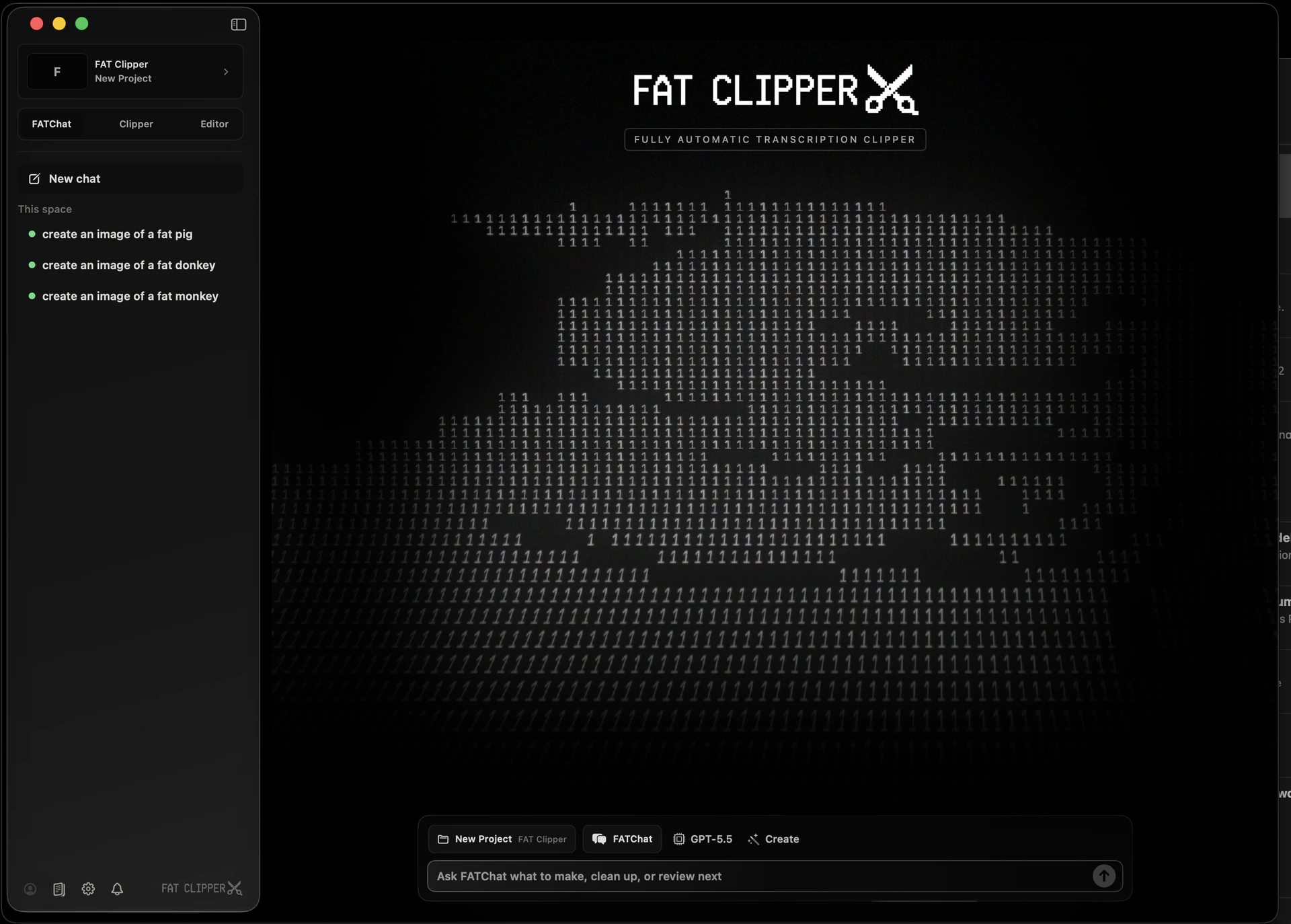
Tell the AI what to make.
FATChat turns plain-language requests into editing tasks. Ask for clips, captions, highlights, or handoffs and keep every decision tied to the original project.
- Plain-language edit requests
- Project-aware suggestions
- Human-controlled handoffs
Find the best clips faster.
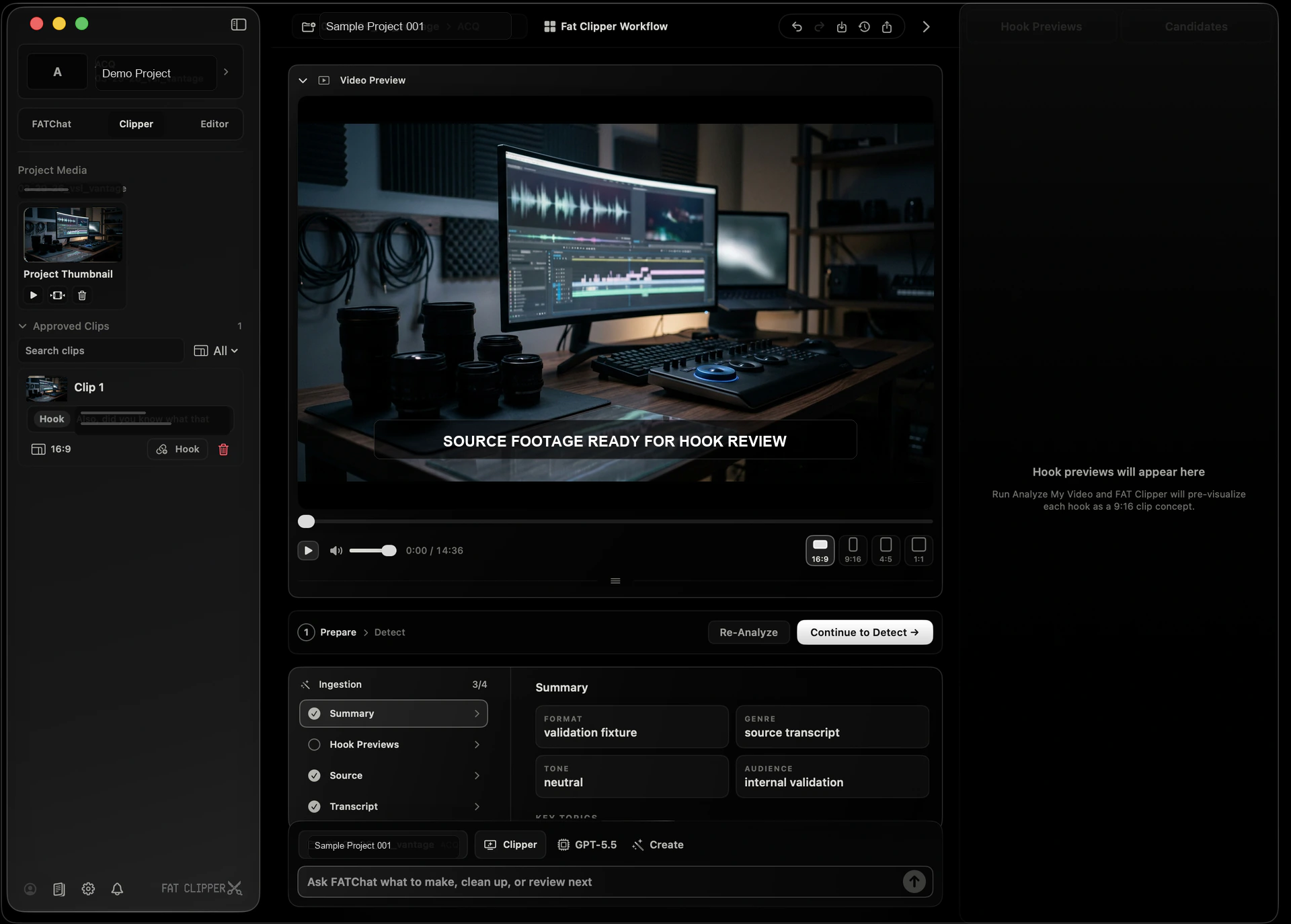
Clipper Studio scans long recordings so you can spot strong moments, compare options, group candidates, and choose the clips worth posting.
- Highlight discovery
- Batch clip review
- Audience-ready cuts
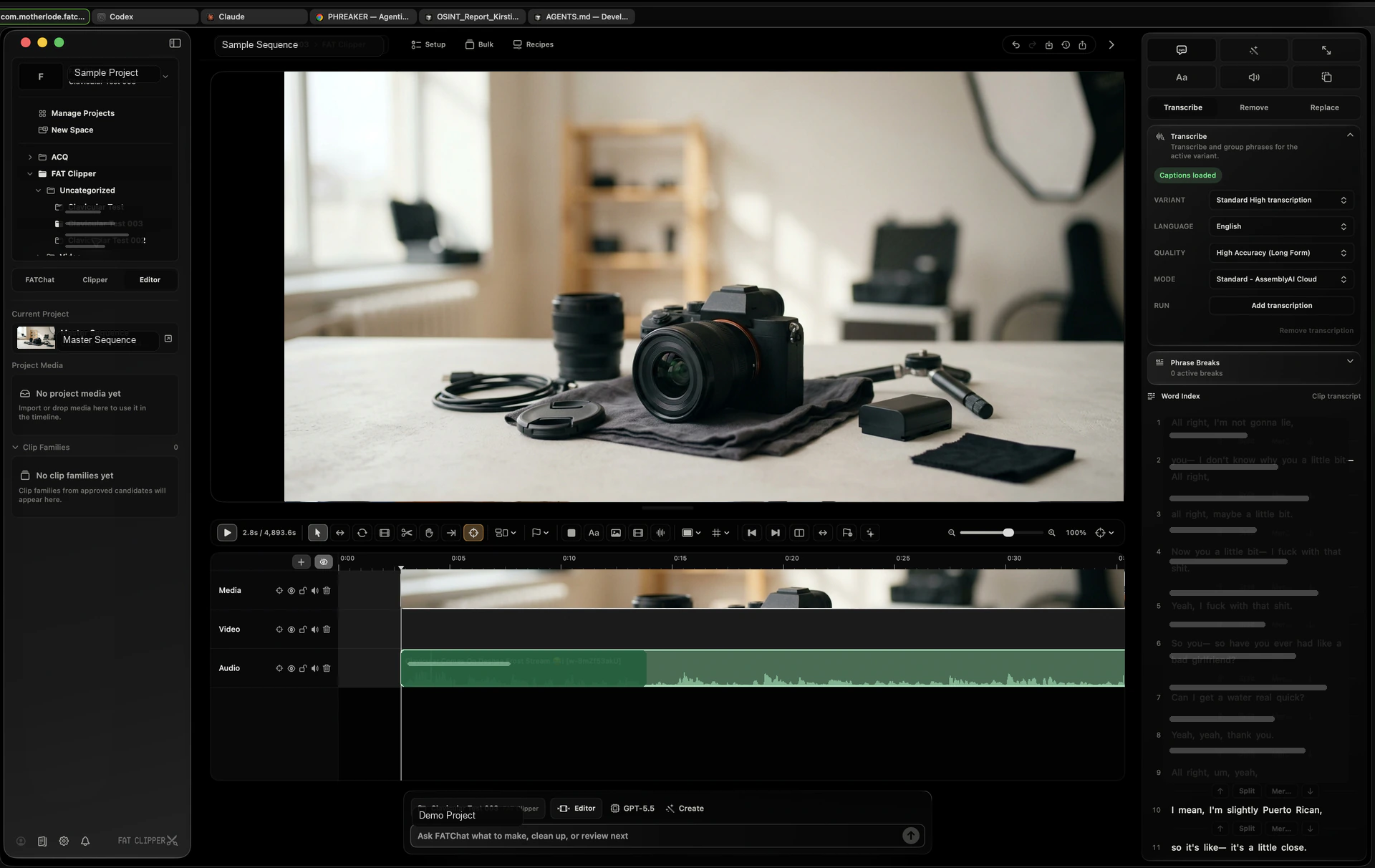
Polish every clip before you post.
Editor Studio keeps AI help inside real editing surfaces — playback, waveform, transcript, captions, and export controls — so every clip is easy to check before it ships.
- Transcript-linked edits
- Caption/export control
- Easy final review
Request access when AI editing could speed up your workflow.
01
Creators making more clips
For creators and editors turning podcasts, streams, lessons, and calls into short clips people can watch and share.
- Private beta workspace
- Chat + editing studios
- Mac-native finish
02
Teams editing from long videos
For teams that need to find clips, review options, write captions, and hand work off without bouncing across tools.
- Reusable project structure
- Batch review lanes
- Clear handoffs
03
Advanced AI workflows
For selected workflows that need custom clip requests, deeper automation, or extra review steps after the core product fit is proven.
- Custom requests
- Workflow experiments
- Team tuning
Private beta
Bring your footage. Say what you need. Ship the clips.
Send the kind of videos you edit, how many clips you need, and what slows you down today.
Request beta access